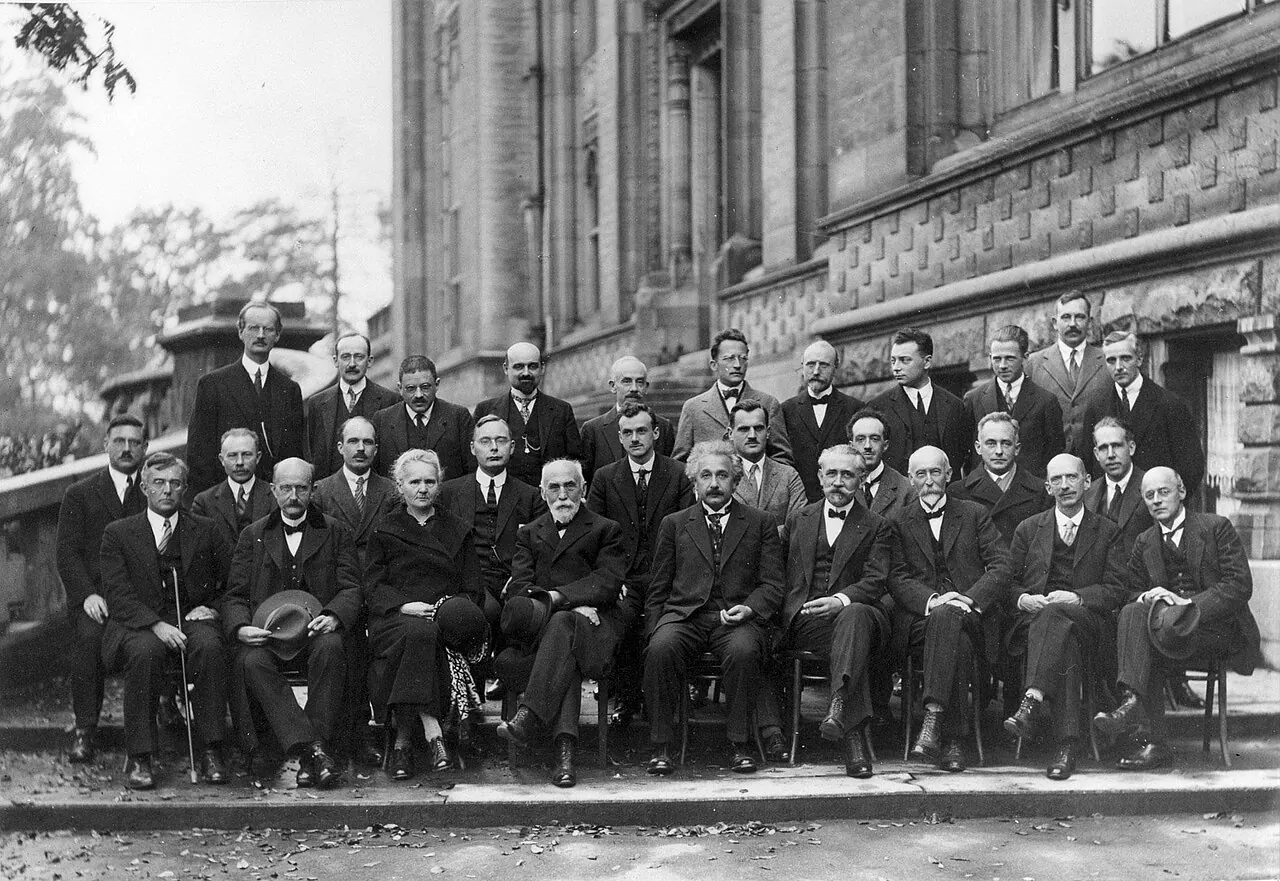
The Resolution Problem
Group photos typically show multiple people at a distance, giving each face a small fraction of the total image resolution. A 12-megapixel photo of a group of eight people might show each face at only 200–400 pixels wide, borderline for accurate face recognition. When you crop and upload that small face region, the face detection pipeline is working with limited pixel information.
Ollie's network reads a face aligned to 112 × 112 pixels, and the aligner needs clean detail to work from, so the face in your photo should be comfortably larger than that. Below that size, detail is insufficient and the embedding quality degrades. Group photo crops from standard smartphone photos often fall right at this borderline or below it, particularly if the photo was taken from more than a few metres away.
What to Use Instead
For best results, take a dedicated portrait photo for matching, you alone, rear camera at arm's length or further, good lighting. This gives maximum face resolution, controlled conditions, and no competing faces in the frame. It takes 30 seconds and produces substantially better results than even a cropped group photo from an event.
If you only have group photos available, choose one where you were closest to the camera, look for the sharpest, least motion-blurred option, and make sure you are roughly front-facing in the shot. Set expectations accordingly, the match may be less reliable than a dedicated portrait.